

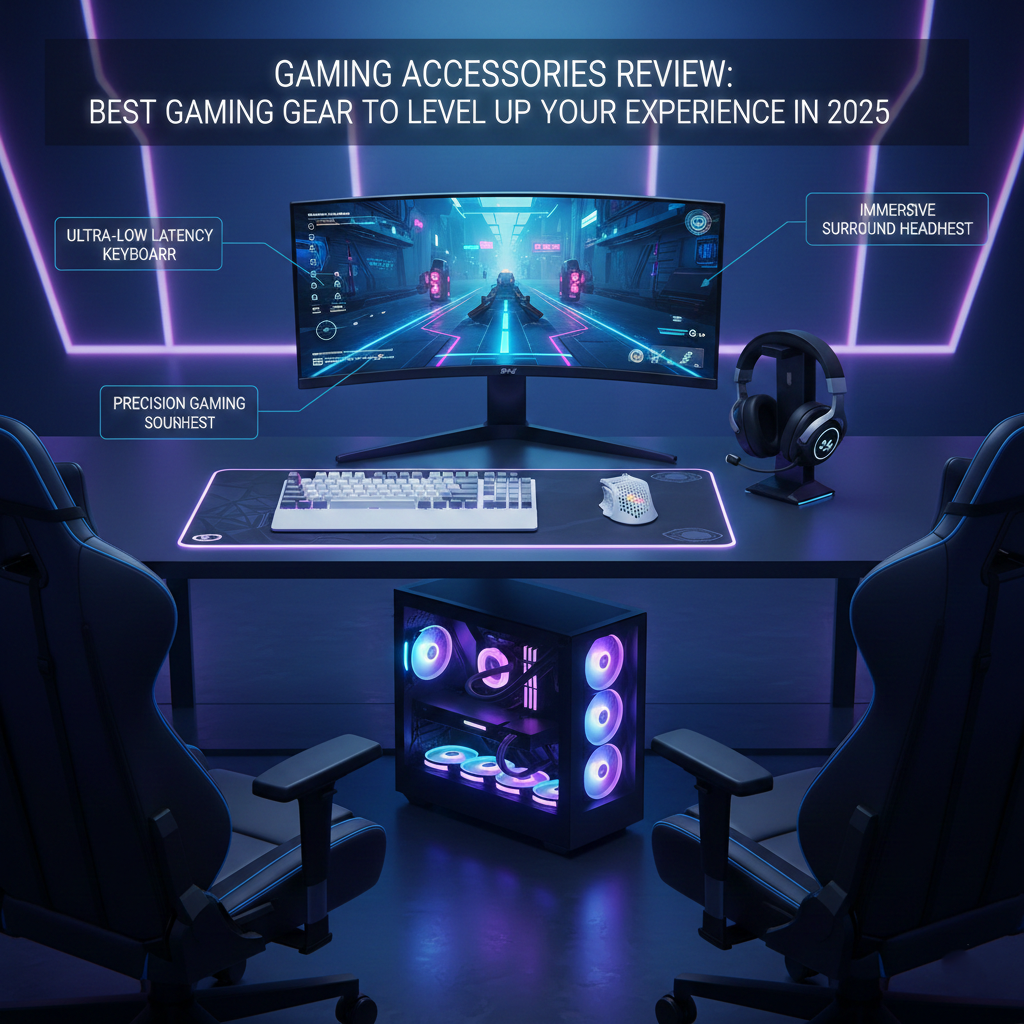
A powerful gaming setup is no longer complete with just a good PC or console. Gaming accessories play a massive role in performance, comfort, and immersion. Whether you are a casual gamer, competitive esports player, or streamer, the right accessories can significantly improve reaction time, accuracy, and overall enjoyment.
In this Gaming Accessories Review, we break down the most essential gaming gear, compare top options, share real performance insights, and help you choose the best accessories based on your gaming style and budget. This guide is written for gamers, by gamers — practical, honest, and easy to understand.
Why Gaming Accessories Matter More Than Ever
Modern games demand precision, speed, and comfort. Cheap or outdated accessories can lead to:
- Slower reaction times
- Hand and wrist fatigue
- Poor audio awareness
- Reduced immersion
High-quality gaming accessories provide:
- Faster response rates
- Better ergonomics
- Superior audio-visual feedback
- Competitive advantage in multiplayer games
According to industry data, over 72% of competitive gamers believe accessories impact performance more than hardware upgrades alone.
Essential Gaming Accessories You Must Have
Gaming Mouse – Precision and Speed
A gaming mouse is one of the most critical accessories, especially for FPS and MOBA games.
Key Features to Look For
- Adjustable DPI (400–26,000 DPI)
- Optical or laser sensor accuracy
- Programmable buttons
- Lightweight design (under 80g for FPS)
- Ergonomic grip style (palm, claw, fingertip)
Top Gaming Mouse Comparison
| Mouse | DPI Range | Weight | Best For |
|---|---|---|---|
| Logitech G Pro X Superlight | 100–25,600 | 63g | Esports FPS |
| Razer DeathAdder V3 | 400–30,000 | 59g | All-round gaming |
| SteelSeries Rival 5 | 100–18,000 | 85g | MMO/MOBA |
👉 External performance benchmarks: rtings.com
👉 Internal gaming gear insights: thenews.zone
Gaming Keyboard – Mechanical Advantage
Mechanical keyboards dominate gaming due to faster actuation and durability.
Switch Types Explained
- Red Switches: Smooth, fast, ideal for FPS
- Blue Switches: Clicky, best for typing + gaming
- Brown Switches: Balanced, tactical feedback
Why Mechanical Keyboards Are Better
- Faster response times
- 50+ million keystroke lifespan
- Anti-ghosting & N-key rollover
- Custom RGB lighting profiles
Popular brands reviewed by pcgamer.com consistently rank mechanical keyboards above membrane ones for competitive play.
Gaming Headset – Hear Every Move
Audio awareness can decide victory or defeat.
What Makes a Great Gaming Headset
- Surround sound (7.1 or spatial audio)
- Noise-canceling microphone
- Comfortable ear cushions
- Clear bass and directional audio
Wired vs Wireless Headsets
| Feature | Wired | Wireless |
|---|---|---|
| Latency | Zero | Low (modern models) |
| Convenience | Medium | High |
| Battery | Not required | 20–40 hrs |
| Competitive Play | Preferred | Acceptable |
Many esports professionals still prefer wired headsets for zero latency, as noted by esportsinsider.com.
Controllers and Gamepads for PC & Console
Not all games are keyboard-friendly. Controllers shine in racing, sports, and action-adventure games.
Best Uses of Controllers
- FIFA, NBA 2K
- Racing simulators
- Platformers
- Emulated console games
Top Controller Options
- Xbox Series Controller (PC & Console)
- PlayStation DualSense (adaptive triggers)
- 8BitDo Pro 2 (budget-friendly)
Controller compatibility guides are regularly updated on thenews.zone.
Gaming Monitor Accessories That Matter
Monitor Stands and Arms
Adjustable monitor arms improve posture and reduce neck strain.
Benefits:
- Better ergonomics
- Desk space optimization
- Custom viewing angles
Blue Light Filters and Screen Shields
Reduce eye strain during long gaming sessions.
Medical studies suggest blue light reduction can improve sleep quality for gamers who play at night.
Streaming and Content Creation Accessories
Gaming today is also about content creation.
Must-Have Streaming Accessories
- USB/XLR microphones
- Webcam with 1080p or 4K
- Stream deck controllers
- Ring lights or LED panels
Popular streaming gear reviews can be found on techradar.com, while beginner-friendly guides are available on thenews.zone.
Ergonomics: Gaming Chairs, Desks & Comfort Gear
Gaming Chairs – Comfort Meets Performance
A good gaming chair supports:
- Lumbar spine
- Neck posture
- Long gaming hours
Look for:
- Adjustable armrests
- Memory foam cushions
- Breathable materials
Desk Accessories Gamers Ignore (But Shouldn’t)
- Wrist rests
- Footrests
- Cable management trays
Budget vs Premium Gaming Accessories
Is Expensive Always Better?
Not necessarily.
Budget Accessories
- Good for beginners
- Limited customization
- Lower durability
Premium Accessories
- Advanced sensors
- Custom profiles
- Long-term investment
Expert buying guides from tomshardware.com recommend balancing performance needs with budget instead of chasing brands.
How to Choose the Right Gaming Accessories
Based on Game Genre
- FPS: Mouse + mechanical keyboard
- MMO: Macro-heavy mouse + keyboard
- Racing: Controller or steering wheel
- Streaming: Mic + camera + lighting
Based on Skill Level
- Beginner: Comfort-focused gear
- Intermediate: Performance upgrades
- Pro: Competitive-grade accessories
FAQs – Gaming Accessories Review
Are gaming accessories really worth it?
Yes. Quality accessories improve accuracy, comfort, and immersion, especially in competitive games.
What gaming accessory should I buy first?
A gaming mouse or headset provides the most noticeable improvement.
Do expensive gaming accessories improve performance?
They offer better sensors, comfort, and durability, but skill still matters more.
Can budget gaming accessories compete with premium ones?
Some budget brands perform surprisingly well, as reviewed on thenews.zone.
Where can I find trusted gaming accessory reviews?
Reliable sources include rtings.com, pcgamer.com, and thenews.zone for curated insights.
Conclusion: Upgrade Smart, Play Better
Gaming accessories are not luxury items — they are performance tools. The right mouse, keyboard, headset, and comfort gear can transform how you play, compete, and enjoy games.
Instead of buying blindly, invest based on your gaming style, comfort needs, and long-term goals. Stay updated with expert reviews, comparisons, and buying guides.
👉 For more in-depth gaming reviews, daily tech updates, and buyer guides, visit thenews.zone today and upgrade your gaming experience the smart way.
